

Solutions That Drive Game-Changing Results
Productivity and Digital Workplace Efficiency
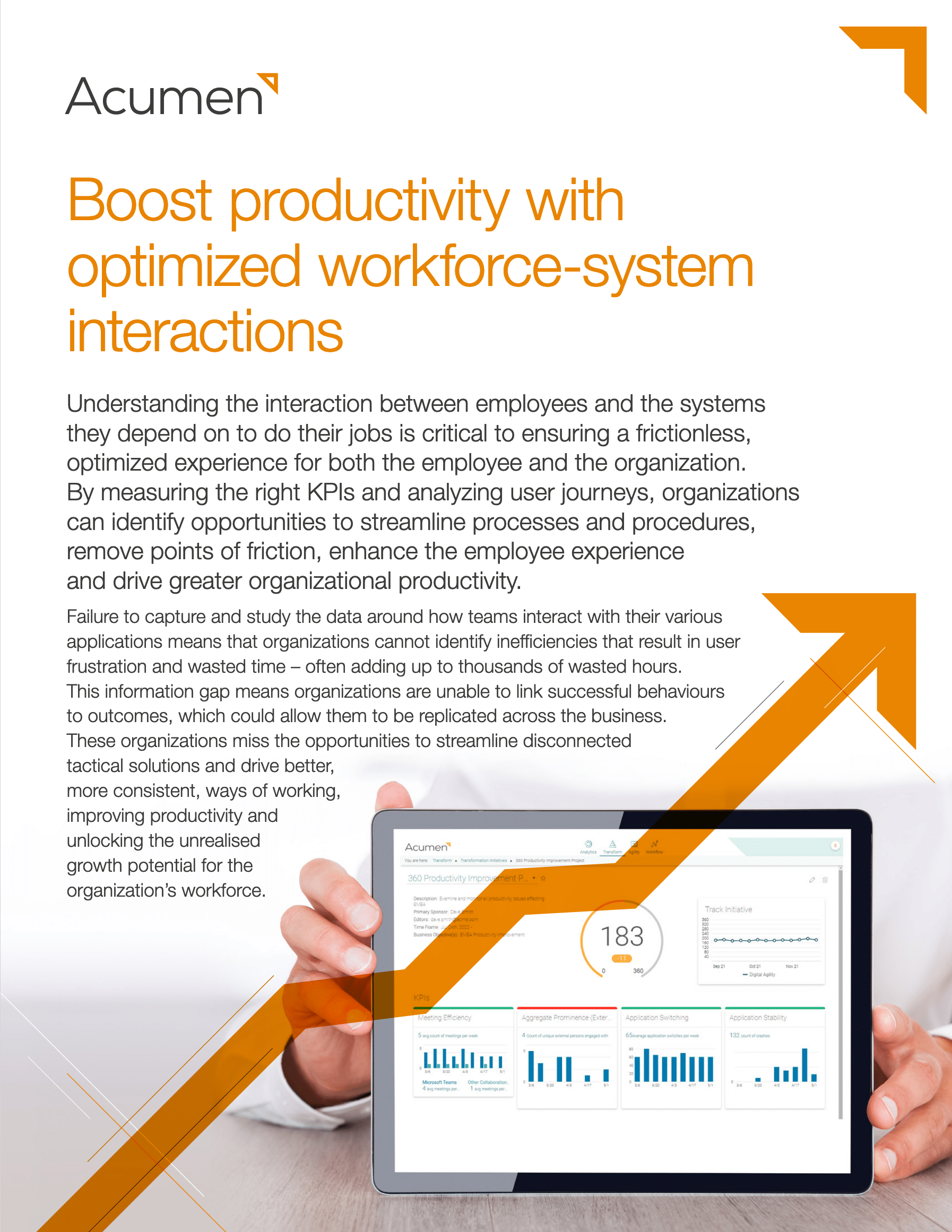
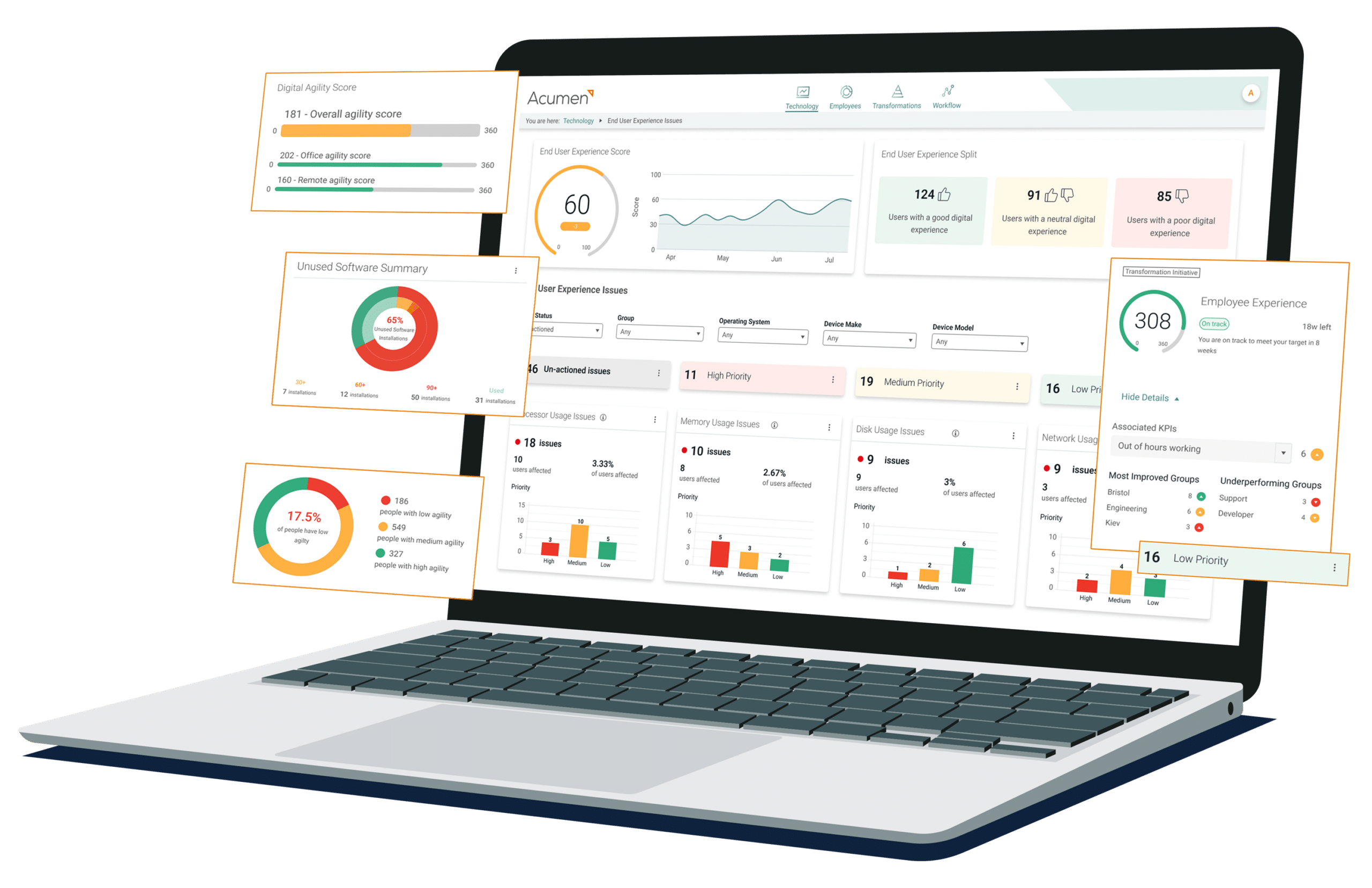
Measure, analyze and report on the digital experiences of individuals, roles, teams and locations.
Building Digital Workplaces
Identify and eliminate digital friction. Understand the user journeys and application workflows that staff use to complete tasks.
Gain End-User Device Intelligence
Get critical data and insights on the stability and performance of endpoints and software to deliver significant cost savings and increased productivity.

DEX Observability & Digital Experience Scoring
Eliminate blind spots in user experience measurement by gaining objective evidence of how hybrid and remote working models perform.

The best digital experiences rely on Scalable Software

The best digital experiences rely on Scalable Software
Assurance & Technical
Services Provider
Customer Story
Global Finance
Institution
Customer Story
International Defence & Aerospace Company
Customer Story
Global Engineering and Construction Services Firm
Customer Story
See Our Resources